Scripture typing for your class
Assign a chapter. Students read it, type it, memorize it, and take a quiz. You see who finished. No ads. Kids log in with a username and password — no student email required.
Free trial: 1 teacher, 5 students, 1 class, 3 assignments. No credit card.
Two minutes to a live class
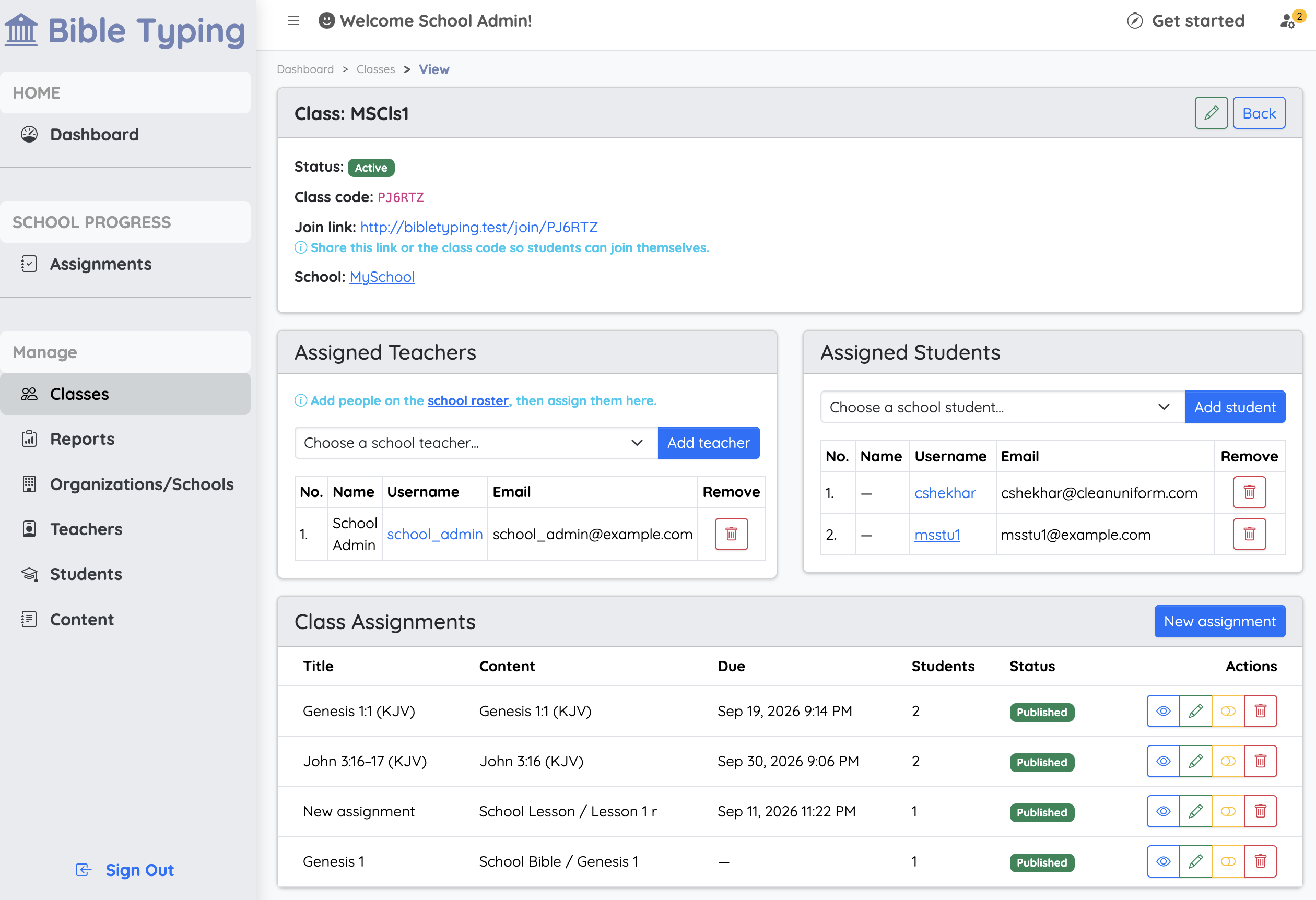
Class 1 is created for you. Add a student, publish John 3:16, and they see it on their dashboard.
to the class
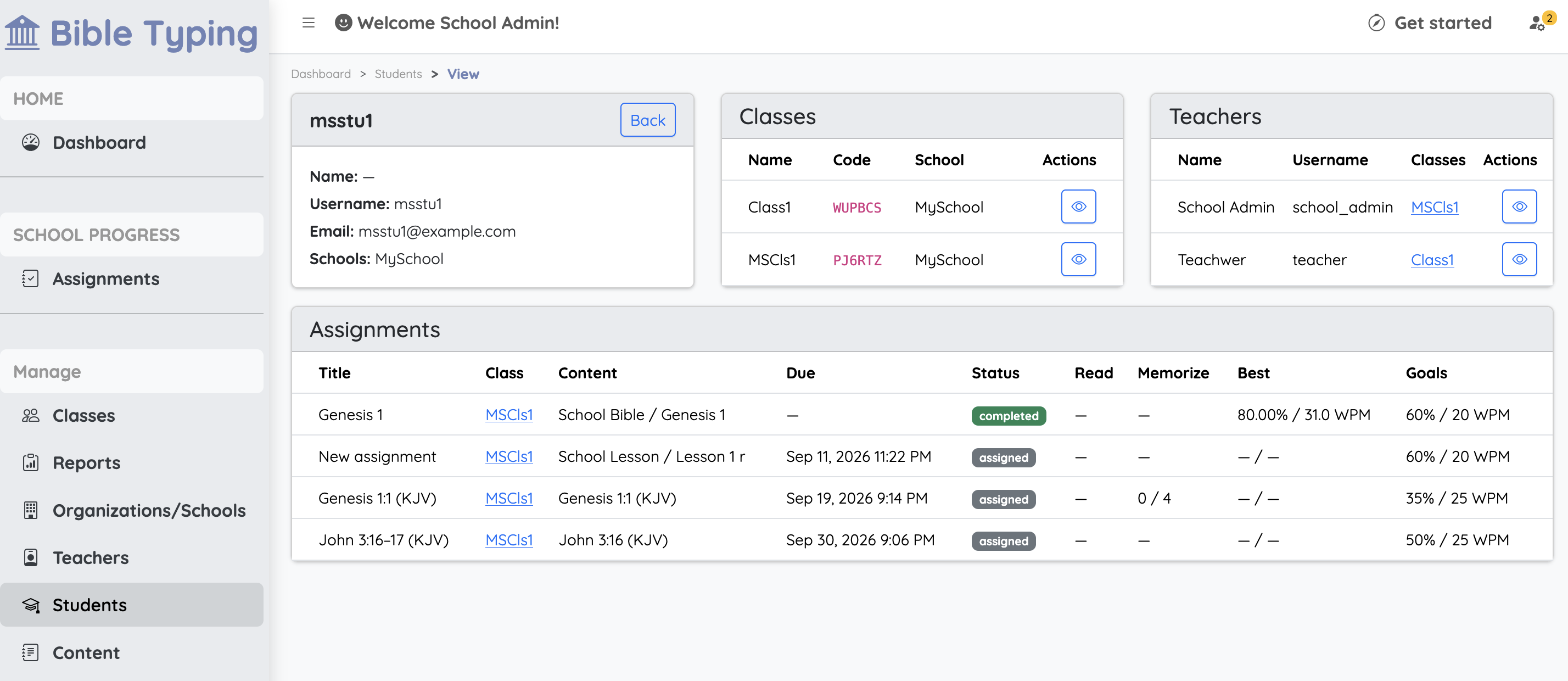
You can add a student to the class by clicking the Students link in the left sidebar on the admin dashboard.
if you are logged in as a admin/teacher,
Click Here
- OR -
You can also add a student to the class by clicking the School setup link in the top navigation bar on the admin dashboard.
- Then click the Students link in the school set up checklist.
if you are logged in as a admin/teacher,
Click Here
a new assignment
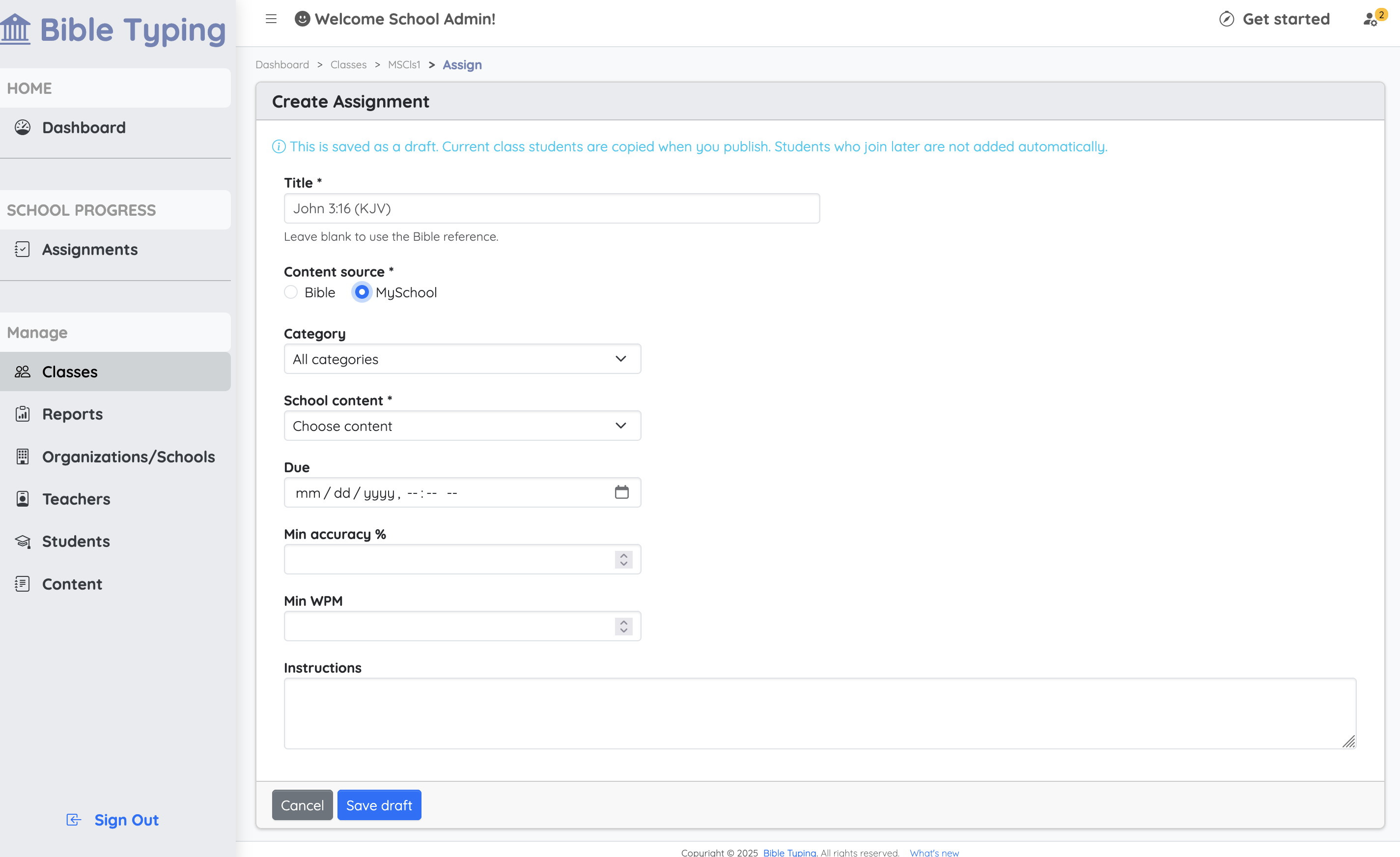
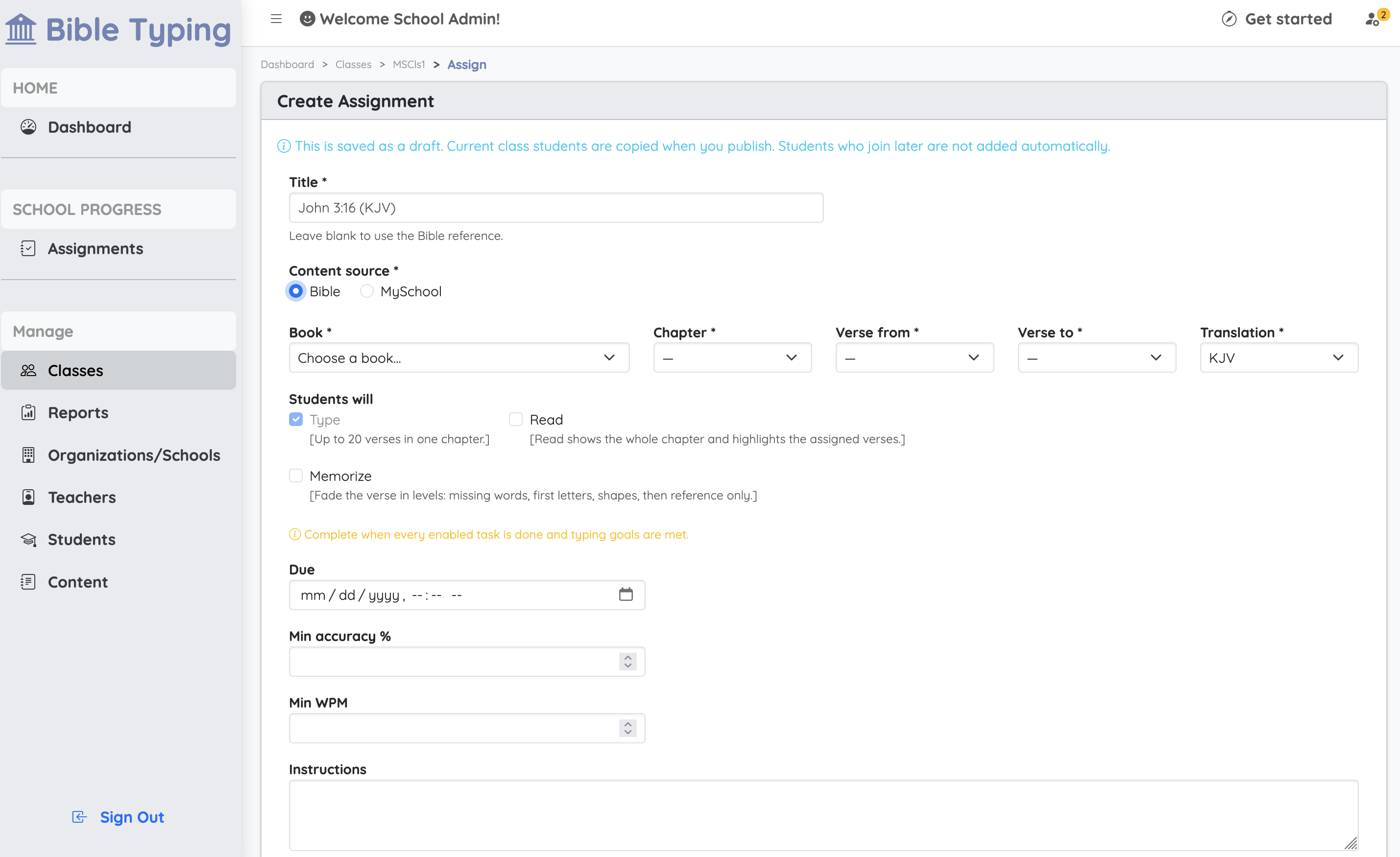
You can create new assignment to the class by clicking the Assignments link in the left sidebar on the admin dashboard.
if you are logged in as a admin/teacher,
Click Here
- OR -
You can also create new assignment to the class by clicking the Classes link in the left sidebar on the admin dashboard.
- Then click the New assignments link in the class assignment list.
if you are logged in as a admin/teacher,
Click Here
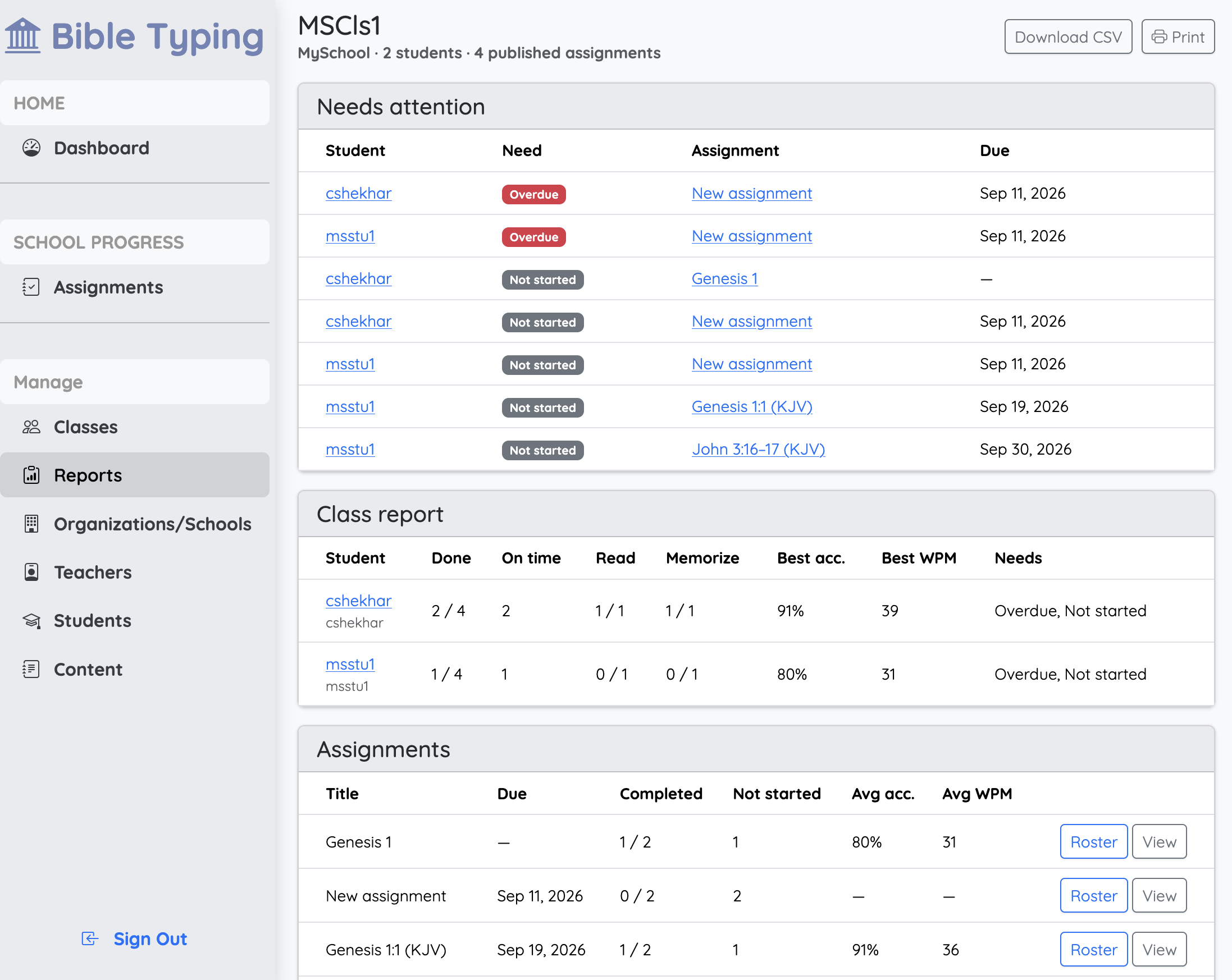
You can track student's progress by clicking the Reports link in the left sidebar on the admin dashboard.
if you are logged in as a admin/teacher,
Click Here
- OR -
You can also see progress by each assignment by clicking the Assignments link in the left sidebar on the admin dashboard.
- Then click the View icon in the class assignment list.
What students do:
Students read, type, memorize, and quiz the assigned verse or your own passage created in the assignment.

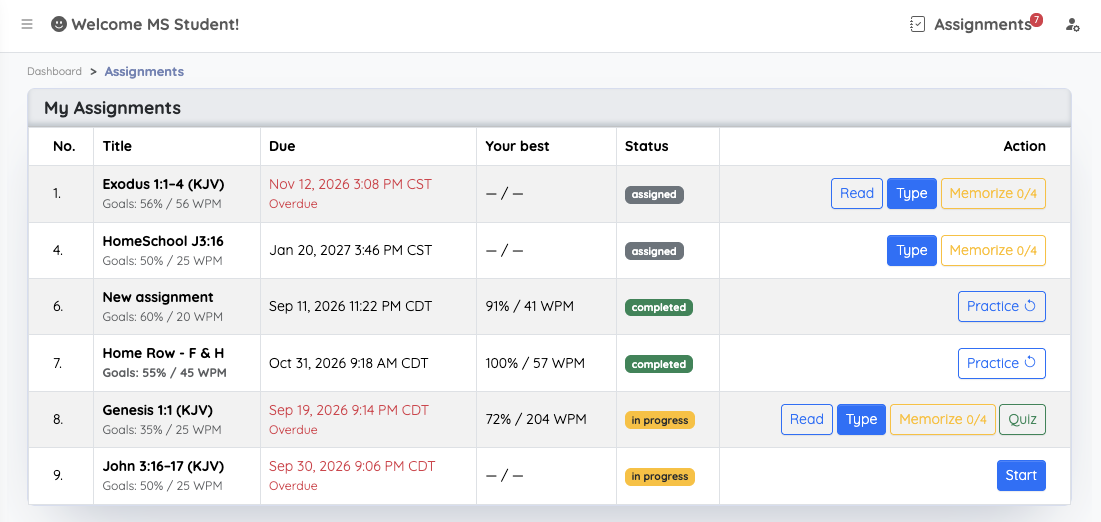
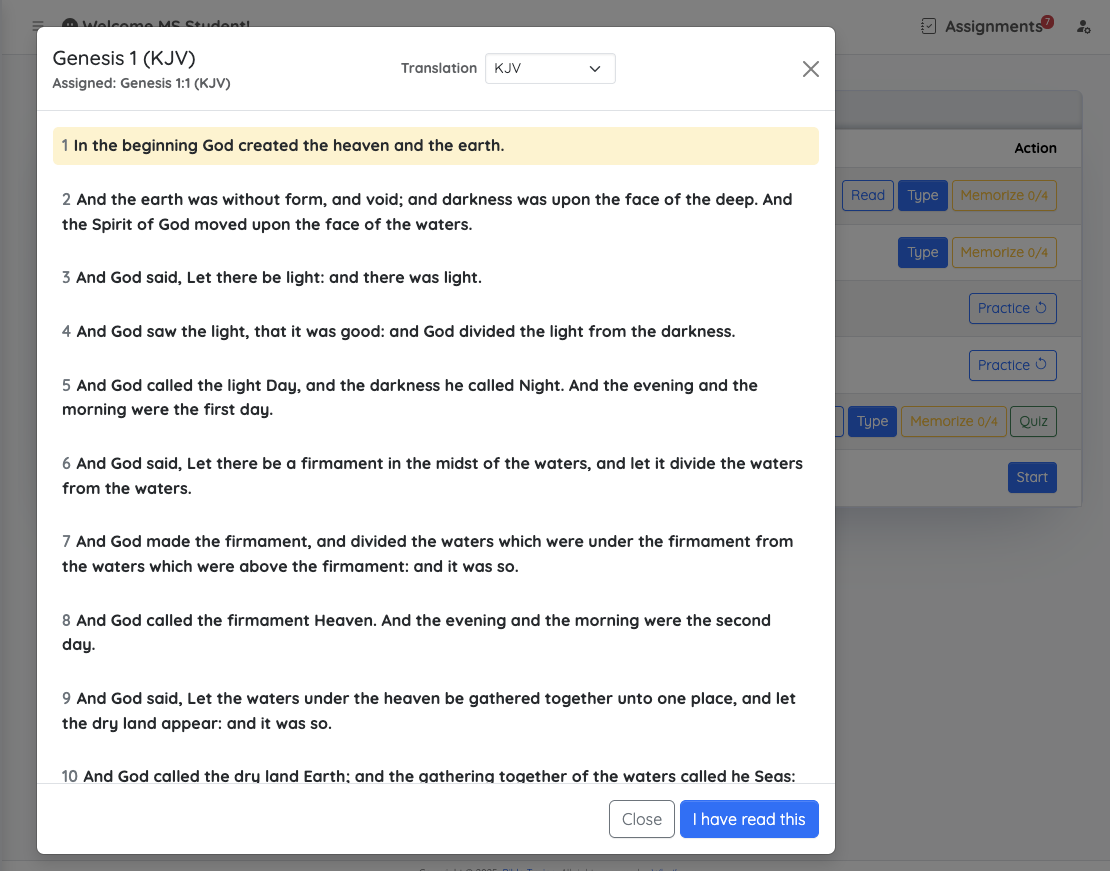
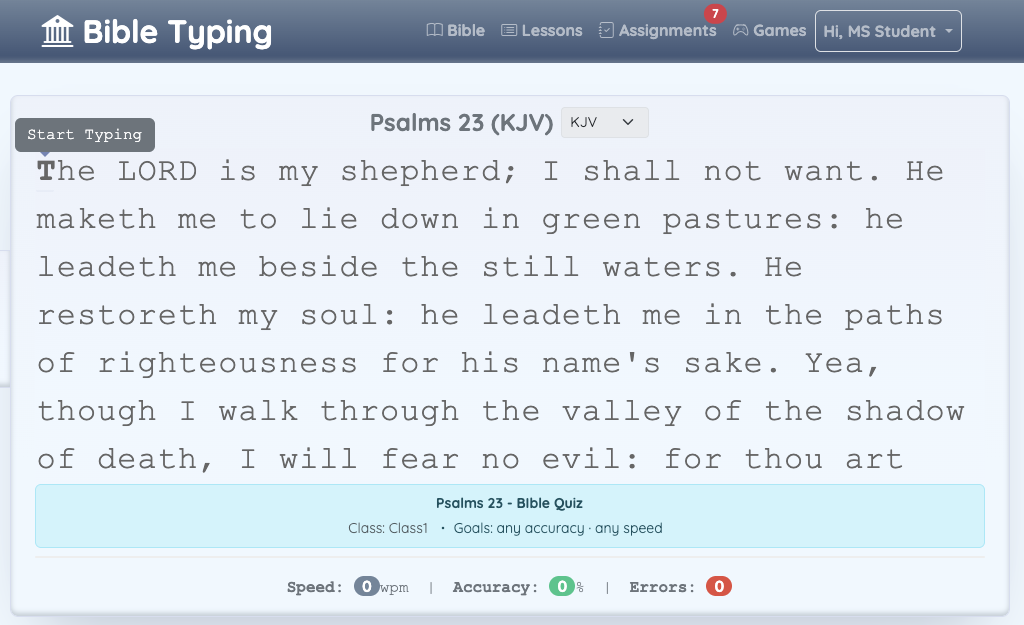
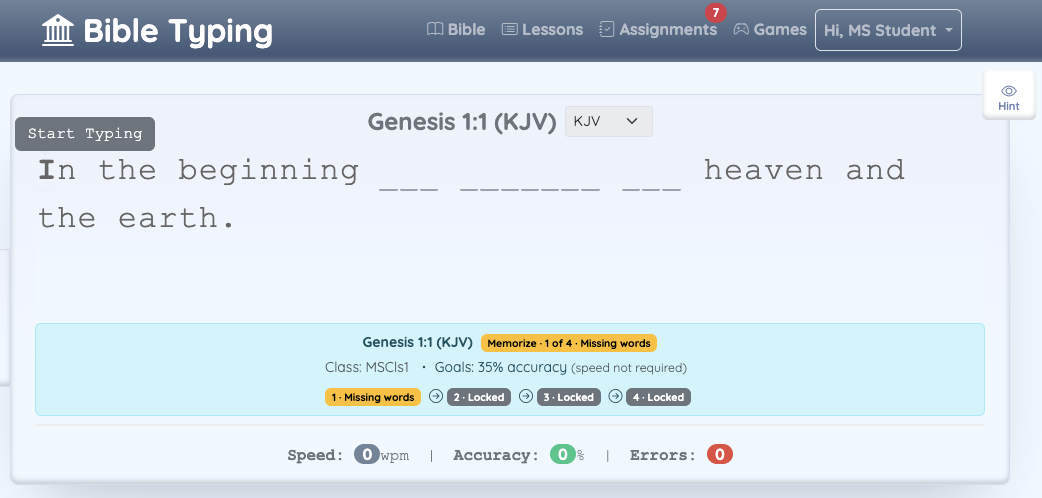
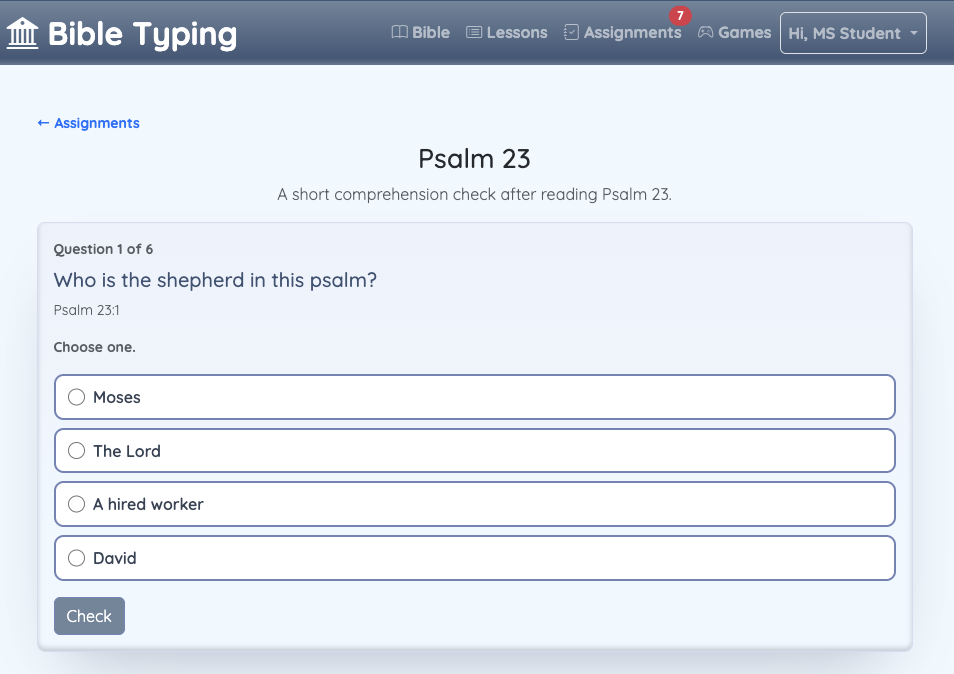
A sample assignment: John 3:16
New schools get this as a starter. Students read, type, memorize, and quiz the same verse.
16For God so loved the world, that he gave his only begotten Son, that whosoever believeth in him should not perish, but have everlasting life.
Pricing
Start free. Pay when the class grows.
Free school
$0
to start
- 1 teacher, 5 students, 1 class
- 3 assignments, roster, and reports
- Kids: username and password only
- No ads
Classroom
$199
per 20 students / year
- 2 teachers and 20 students per pack
- Unlimited classes
- Unlimited memorize and game levels for the school
- Add packs as the roster grows
Homeschooling a few children? Family is $15 per child / year.
Teacher questions
Ready for Monday?
Create the school, add one child, assign John 3:16.
Start a class free