Letter practice for little ones. No login. Does not count as Bible chapters or tests.
Start with uppercase. Switch to abc when they are ready. About eight letters each round. Ready for numbers? Matthew’s Math.
A
★★★★★★★★
Great job!
Want to play again?
Keep going
You’ve hidden 5 passages. Replay those any time. Personal is $9.99/year so you can keep going — cancel any time.
Typing History
Bible Progress
Type Bible Books
Old Testament:
New Testament:
Typing Mode:
Typing Test History
Problem Keys
Test Speed Meter
Speed (WPM)
Accuracy
Error Keys
Lessons Progress
Problem Keys
Lesson Progress
Speed (WPM)
Accuracy
Error Keys
Keyboard Settings
: USA Standard
Sound Settings
Progress
Awesome!
You just typed .
Your speed was WPM with % accuracy.
·
Click a day to type that chapter. Green is done.
Log in to keep this calendar across devices.
Keyboard Hand/Finger Placement
What's New - NO Ads. Ever!
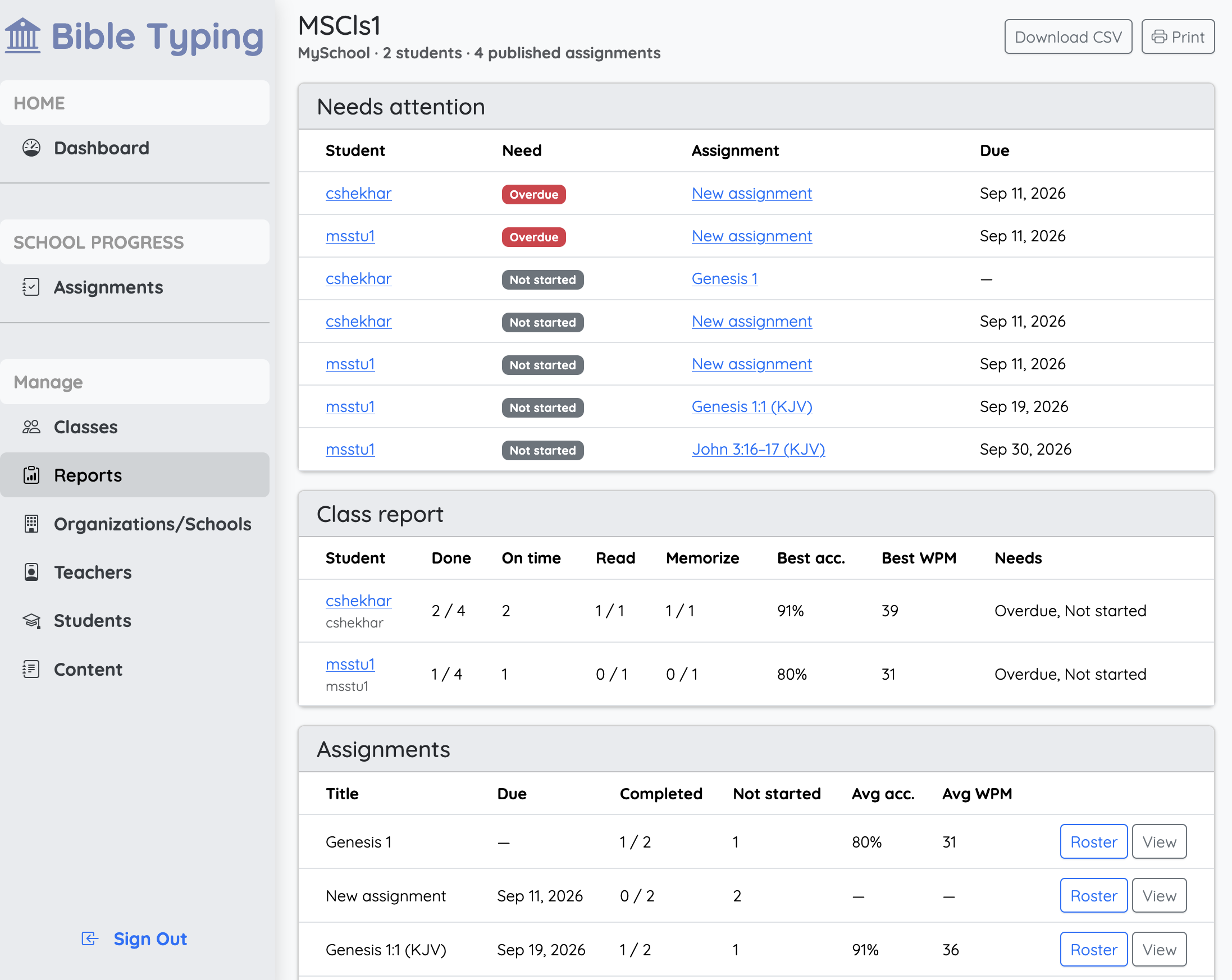
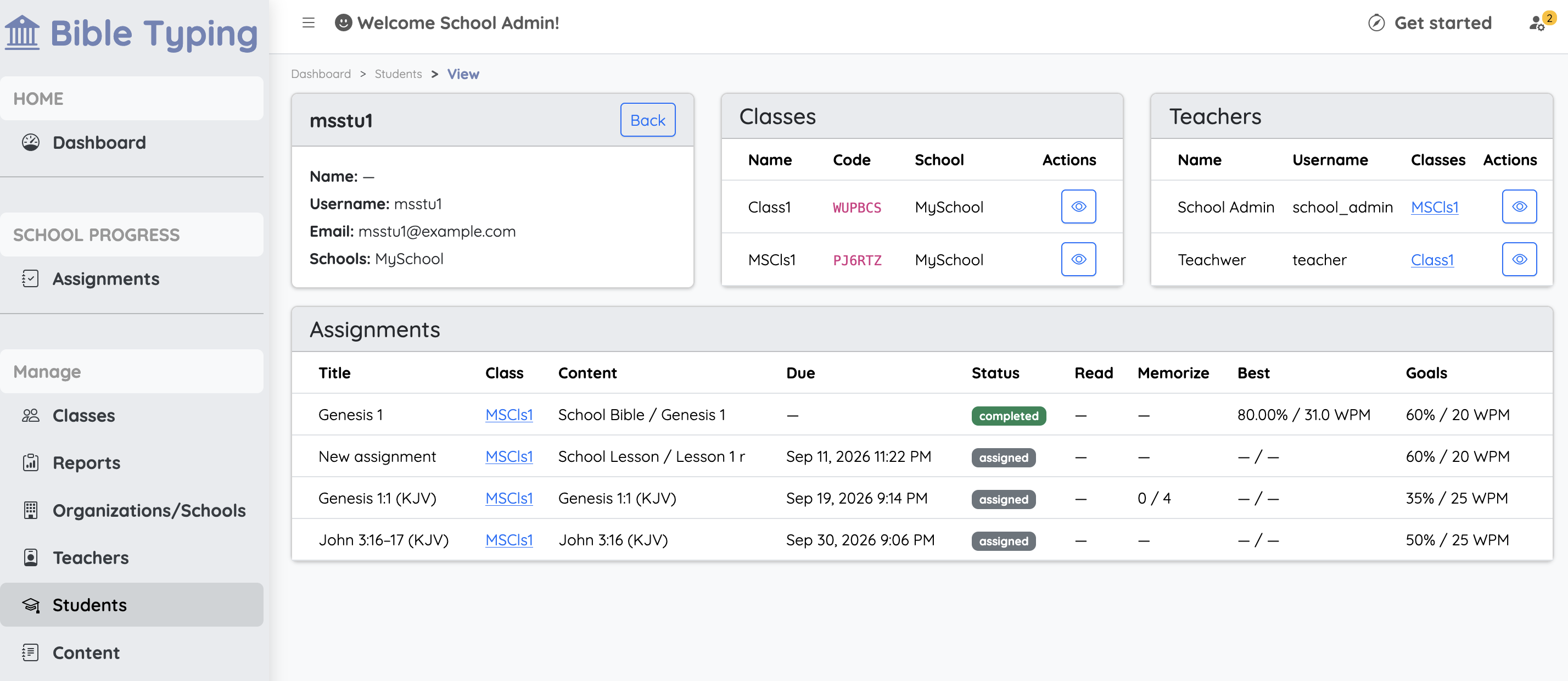
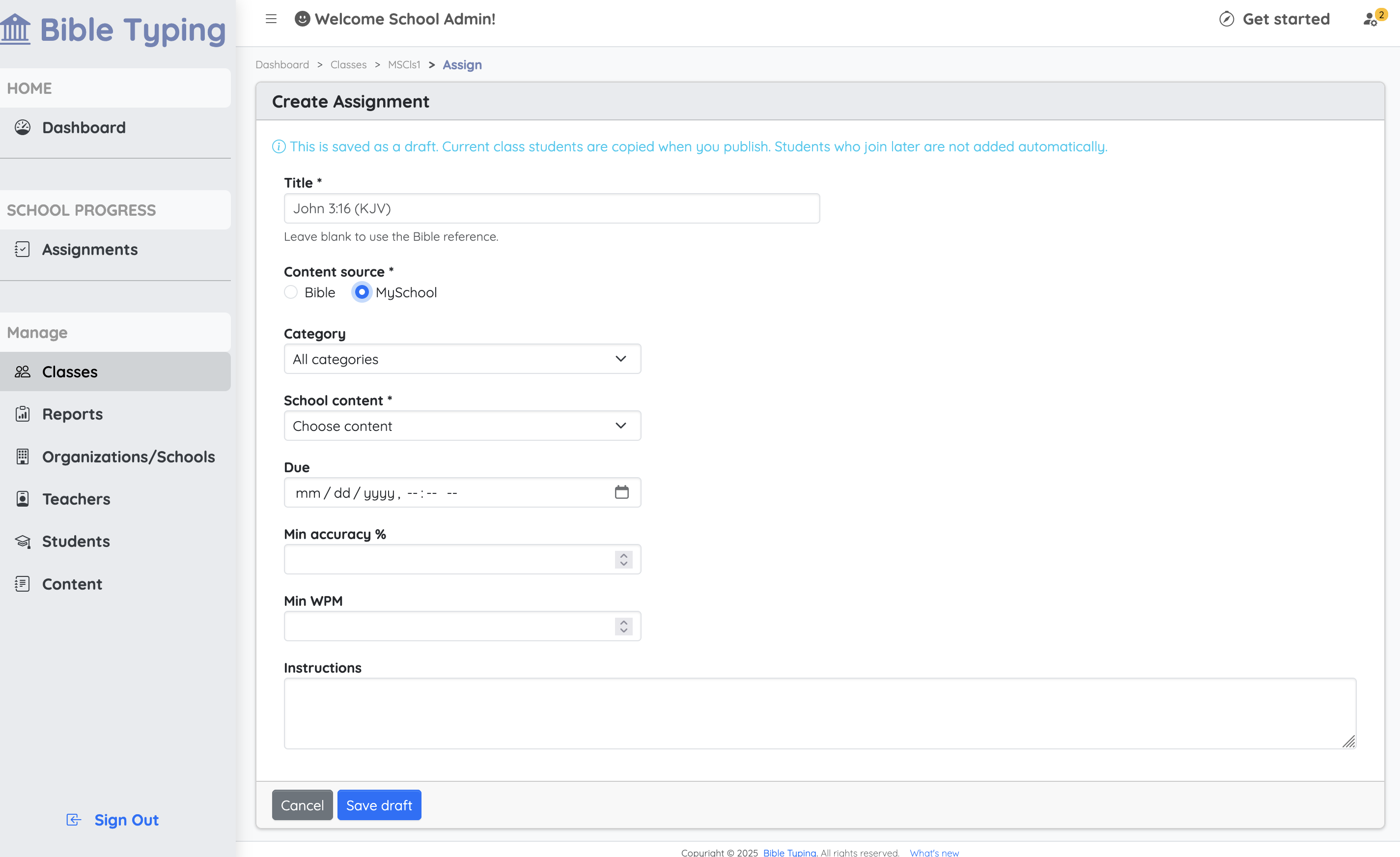
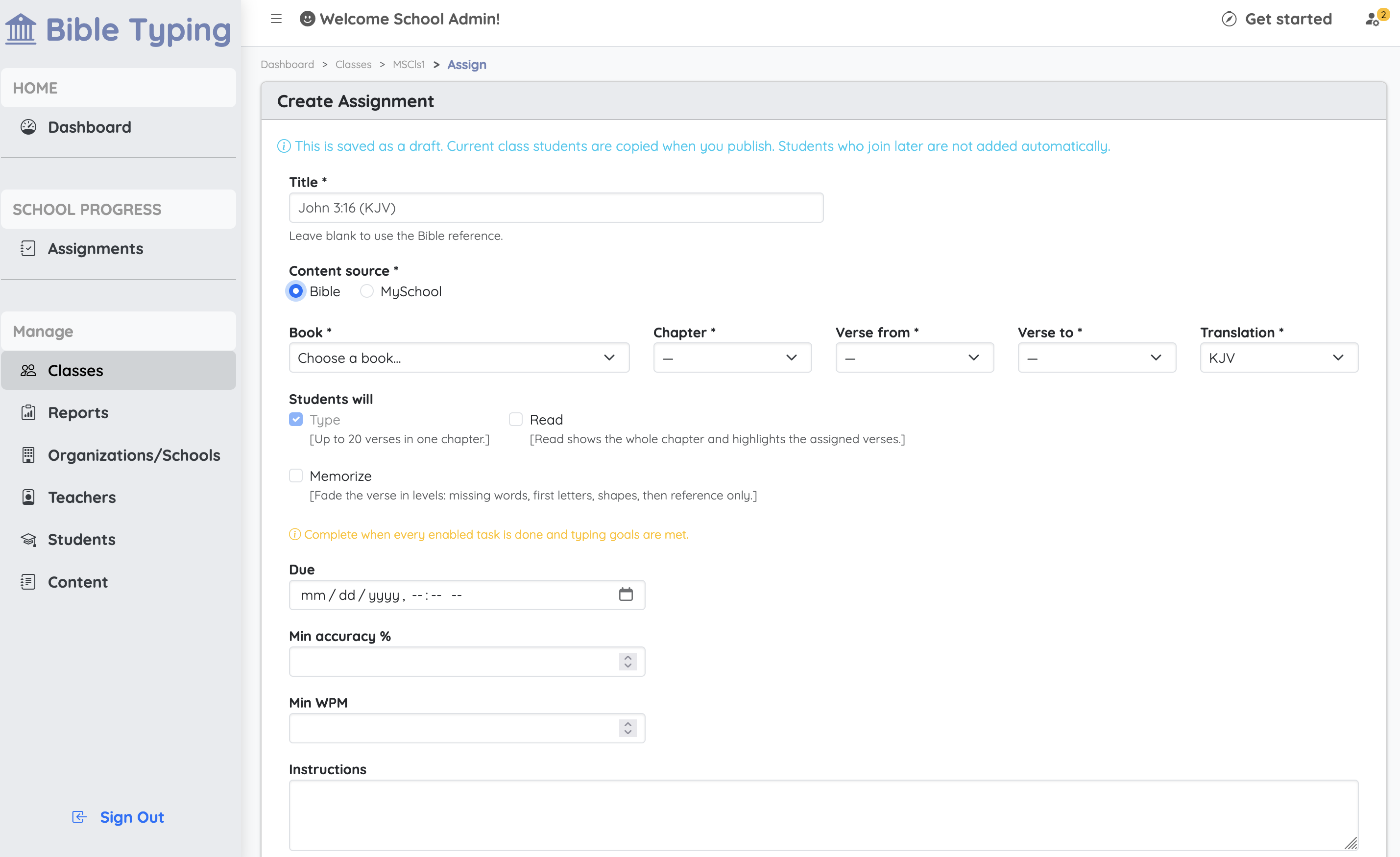
Create an organization, classes, assigments, invite teachers and students, and share a class join link.
First slide label
Some representative placeholder content for the first slide.
Second slide label
Some representative placeholder content for the second slide.
Third slide label
Some representative placeholder content for the third slide.
Third slide label
Some representative placeholder content for the third slide.
Third slide label
Some representative placeholder content for the third slide.
BibleTyping does not show ads to students.
Stats and bookmarks
Bible Typing keeps two different records. Mixing them up is the usual reason progress looks “lost.”
Stats (finished chapters)
A chapter counts only when you finish it — the whole chapter, or the last verse in verse-by-verse mode.
Finished chapters stay on that book forever. Switching books does not erase them.
Progress bars, badges, and admin reports use finished chapters only. Partial verses do not add to the percentage.
Bookmark (where you left off)
Each book can keep its own bookmark, so you can leave Genesis at verse 4, type John, and still Resume Genesis later.
Verse-by-verse saves a bookmark after every verse. Chapter-by-chapter saves a bookmark when you start that chapter, then records the chapter when you finish it.
The typing page also remembers the last book you were in, so reload continues that book. Use Resume on another book to jump back to its bookmark.
Switching books or chapters
New book: changes where you type now. Other books keep their bookmarks and finished chapters.
Different chapter in the same book: replaces that book’s bookmark with the chapter (or verse) you picked.
Resume: opens that book’s bookmark, including verse-by-verse if that is how you left it.
Start Fresh: clears that book’s bookmark and starts at chapter 1. Finished chapters are not removed.
Short rule: finished chapters are stats. Unfinished verses are a bookmark. Only finishing a chapter raises your score.